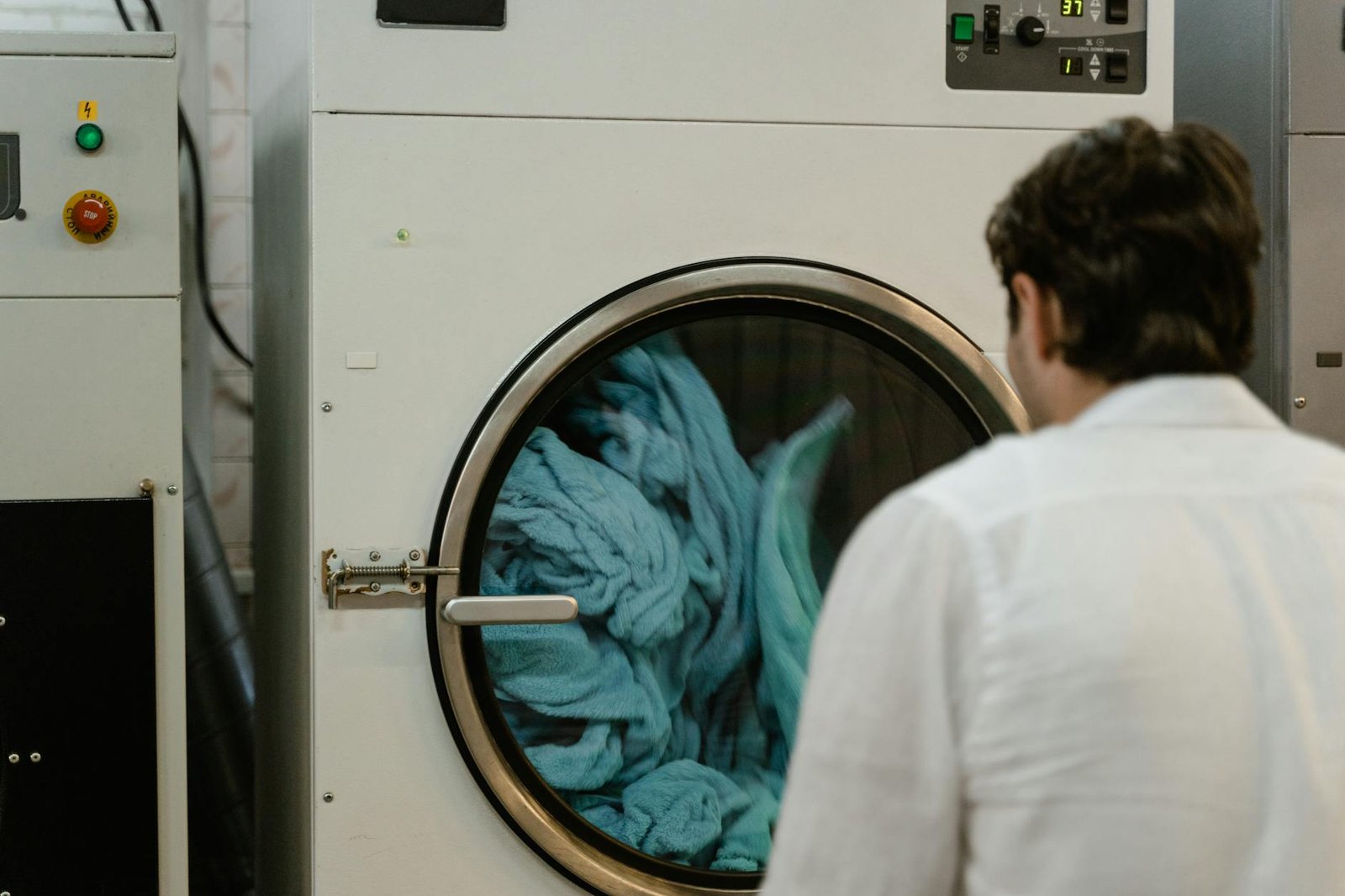
When I was setting up my own home lab, I remember staring at a pile of Raspberry Pis, smart plugs, and sensor modules thinking I had absolutely no idea where to start. It took a failed attempt at automating my own washing machine — complete with a flooded utility room — before I really understood why monitoring appliances properly matters. What surprised me when I first tried adding smart monitoring to my laundry setup was just how much vibration data alone could tell you about a machine’s health and cycle status. I’m writing this guide to save you from learning those lessons the hard way.
Key Takeaways
- An unbalanced or improperly positioned washing machine can vibrate so severely it rotates and unplugs itself — smart vibration sensors can detect and alert you to this before damage occurs.
- Smart plugs with energy monitoring are the easiest entry point for laundry automation, requiring zero wiring and working with any existing machine.
- Vibration sensors paired with platforms like Home Assistant can send real-time alerts when a cycle ends or when abnormal movement is detected.
- Appliance monitoring is one of the most practical and beginner-friendly starting points for a home lab IoT setup.
- A full smart laundry monitoring stack can be built for under $60 using off-the-shelf components.
Why the Inspired Holiday Rental Washing Machine Story Matters for Home Automation
The inspired holiday rental washing machine incident — where a machine vibrated so violently during its spin cycle that it rotated a full 180 degrees and yanked its own power cord from the wall — is more than just an entertaining anecdote. It is a perfect illustration of exactly the kind of real-world appliance problem that smart home monitoring exists to prevent. In a real home lab setup, this scenario represents an unmonitored appliance operating outside safe parameters with zero feedback to the homeowner until something breaks or, worse, a fire hazard develops.
According to the National Fire Protection Association, washing machines are among the top 10 household appliances involved in home fires, with mechanical faults and electrical issues being primary contributors. Vibration-related unplugging is a known precursor to both flooding and electrical arcing. The good news is that with a $15 smart plug and a free Home Assistant instance, you can build a monitoring system that would have caught this problem in seconds.
For home lab enthusiasts, this is the kind of practical, high-impact automation that makes the hobby genuinely worthwhile beyond just running a Plex server.
Prerequisites: What You Need Before You Start
Before diving into the step-by-step guide, here is what you should have in place. Do not worry if you are missing some of these — each one has a beginner-friendly alternative.
Hardware Requirements
You will need a home server or always-on device to run your automation platform. A Raspberry Pi 4 with at least 2GB of RAM works well, though an old PC or even a used mini PC running Linux is perfectly fine. You also need a Wi-Fi router that supports 2.4GHz networks, since most IoT devices still operate on this band rather than 5GHz.
Software Requirements
Home Assistant is the recommended platform for this guide. It is free, open-source, and has native integrations for virtually every smart plug and sensor on this list. You can install it via Home Assistant OS on a Raspberry Pi or as a Docker container on any Linux machine. Check out our beginner’s guide to installing Home Assistant if you have not set it up yet.
Skill Level
This guide is written for complete beginners. You do not need to know how to code. You do not need electrical engineering knowledge. If you can install an app on your phone and follow on-screen instructions, you can complete this setup.
How Smart Laundry Monitoring Actually Works
Smart laundry monitoring uses two primary data signals: power consumption and vibration. Understanding both helps you build a more reliable system.
Power Consumption Monitoring
A washing machine draws between 400 and 1,400 watts during a normal cycle, with the heating element and motor being the largest consumers. A smart plug with energy monitoring reads this wattage in real time and reports it to your home automation platform. When the wattage drops to near zero, the cycle is done. This is how most beginner laundry automations work — simple, reliable, and requiring no additional sensors.
Vibration Sensing
Vibration sensors, often called accelerometers in IoT contexts, detect physical movement and report it as a numerical value. Based on community experience in forums like r/homeautomation and r/homeassistant, a vibration reading above a threshold of around 15 to 20 on a typical zigbee sensor indicates an active spin cycle, while a sudden spike to maximum values followed by silence can indicate abnormal movement — exactly what happened in the inspired holiday rental washing machine scenario.
Combining both signals gives you a highly accurate picture of what your machine is doing at any moment.
Step-by-Step: Setting Up Your First Smart Laundry Monitor
Step 1: Install Your Smart Plug
Plug your chosen smart plug into the wall outlet, then plug your washing machine into the smart plug. Download the manufacturer’s app and connect the plug to your 2.4GHz Wi-Fi network. This takes about five minutes and requires no tools.
Step 2: Integrate with Home Assistant
In Home Assistant, navigate to Settings, then Integrations, and search for your smart plug’s brand. Most major brands including TP-Link Kasa, Shelly, and Sonoff have official integrations. Authorize the connection and your plug will appear as a device with power monitoring entities.
Step 3: Create a Laundry Done Automation
Go to Automations in Home Assistant and create a new automation. Set the trigger to: when the washing machine power entity drops below 10 watts for 60 seconds. Set the action to send a notification to your phone via the Home Assistant companion app. This single automation eliminates forgotten laundry sitting in a damp drum for hours.
Step 4: Add a Vibration Sensor (Optional but Recommended)
Attach a Zigbee vibration sensor to the top or side panel of your washing machine using the included adhesive pad. Add a second automation: if vibration exceeds your threshold and power consumption is below 200 watts, send an urgent alert. This is your abnormal movement detector — the system that would have caught the inspired holiday rental washing machine situation before it became a problem.
Step 5: Test and Calibrate
Run a short wash cycle and observe the data in Home Assistant’s history dashboard. Adjust your wattage and vibration thresholds based on what you actually see. What actually works in practice is spending one or two cycles just watching the numbers before locking in your automation triggers.
Top 5 Products for Smart Washing Machine Monitoring
1. TP-Link Kasa EP25 Smart Plug with Energy Monitoring
Specs: 15A max load, 1800W, Wi-Fi 2.4GHz, real-time energy monitoring, works with Alexa and Google Home.
Pros: Extremely easy setup with no hub required, excellent Home Assistant integration via the Kasa integration, reliable energy reporting accurate to within 1W, compact design that does not block the second outlet.
Cons: Requires cloud account for initial setup before local control is enabled.
Best for: Absolute beginners who want the simplest possible starting point.
2. Shelly Plus 1PM Smart Relay
Specs: 16A max, Wi-Fi 2.4GHz, built-in power metering, local API, MQTT support, operates without cloud.
Pros: Fully local operation with no cloud dependency, native Home Assistant integration, extremely detailed power data including voltage and current, compact enough to fit inside a wall box for a cleaner install.
Cons: Requires basic wiring knowledge for hardwired installation — not plug-and-play out of the box.
Best for: Intermediate users who want a permanent, professional-grade installation.
3. Aqara Vibration Sensor
Specs: Zigbee 3.0, accelerometer sensitivity adjustable in 3 levels, drop and tilt detection, 2-year battery life on CR2032.
Pros: Purpose-built for detecting abnormal appliance movement, integrates natively with Home Assistant via Zigbee2MQTT or ZHA, compact and unobtrusive, reports vibration intensity as a numerical value for precise threshold automation.
Cons: Requires a Zigbee coordinator hub such as a Sonoff Zigbee 3.0 USB dongle.
Best for: Anyone who wants to replicate the exact monitoring that would have prevented the inspired holiday rental washing machine incident.
4. Sonoff S31 Lite Zigbee Smart Plug
Specs: 15A, Zigbee 3.0, energy monitoring, compact form factor, no Wi-Fi required.
Pros: Zigbee protocol means lower latency and no Wi-Fi congestion, pairs directly with Zigbee2MQTT for fully local operation, energy monitoring included at a very competitive price point, works with the same coordinator as the Aqara sensor above.
Cons: Energy monitoring data is less granular than the Shelly Plus 1PM.
Best for: Home lab users already running a Zigbee network who want to keep everything on one protocol.
5. Emporia Vue 2 Energy Monitor
Specs: Whole-home energy monitoring, 16 circuit monitoring channels, 1-second data resolution, Wi-Fi connected, Home Assistant integration available.
Pros: Monitors your washing machine as part of whole-home energy awareness, identifies energy waste across all appliances simultaneously, 1-second resolution catches even brief power spikes, provides historical data for identifying appliance degradation over time.
Cons: Requires installation in your electrical panel — not suitable for renters or true beginners without electrical experience.
Best for: Advanced home lab users who want appliance monitoring as part of a comprehensive energy management system.
Product Comparison Table
| Product | Protocol | Max Load | Energy Monitoring | Hub Required | Best For |
|---|---|---|---|---|---|
| TP-Link Kasa EP25 | Wi-Fi | 15A / 1800W | Yes | No | Beginners |
| Shelly Plus 1PM | Wi-Fi | 16A | Yes (detailed) | No | Intermediate |
| Aqara Vibration Sensor | Zigbee 3.0 | N/A | No (vibration only) | Yes (Zigbee) | Vibration detection |
| Sonoff S31 Lite Zigbee | Zigbee 3.0 | 15A | Yes | Yes (Zigbee) | Zigbee networks |
| Emporia Vue 2 | Wi-Fi | Whole home | Yes (16 circuits) | Panel install | Advanced users |
Best Overall Pick: TP-Link Kasa EP25 for Most Beginners
For the vast majority of people reading this guide — especially those inspired by the holiday rental washing machine chaos to finally get serious about appliance monitoring — the TP-Link Kasa EP25 is the clear winner. Here is exactly why it earns that recommendation.
First, it requires zero additional hardware. You plug it in, connect it to Wi-Fi, and it is reporting energy data within five minutes. Second, the Home Assistant Kasa integration is mature, well-documented, and works reliably in local mode once set up, meaning your automations keep working even if TP-Link’s servers go down. Third, at a price point under $20, it is the lowest-risk entry point into appliance monitoring.
In a real home lab setup, the Kasa EP25 paired with a simple Home Assistant automation handles 90% of what most people actually need: knowing when the laundry is done and being alerted if the machine stops drawing power unexpectedly. If you later want to add vibration detection, you can pair it with the Aqara sensor for a complete system. But start here. Get a win. Then expand. That is the home lab philosophy that actually keeps people in the hobby long term. For more ideas on expanding your setup, see our Home Assistant automation ideas for beginners.
Common Mistakes Beginners Make
Setting Wattage Thresholds Too Low
A washing machine in standby mode still draws between 1 and 5 watts. If you set your \”cycle complete\” trigger to anything below 8 watts, you will get false positives every time the machine pauses between cycles. Set your threshold to below 10 watts sustained for at least 60 seconds.
Ignoring the 2.4GHz Requirement
Most smart plugs do not connect to 5GHz networks. If your router broadcasts both bands under the same name, some devices get confused. Create a dedicated 2.4GHz SSID for IoT devices — this also improves your overall network security by segmenting smart home traffic.
Skipping the Calibration Step
What actually works in practice is running at least two full cycles before finalizing your automation thresholds. Every washing machine model has a different power draw profile. The calibration step is not optional — it is what separates a reliable automation from one that sends you phantom notifications at 2am.
Not Considering Physical Placement
A vibration sensor placed on the lid of a top-loader will give completely different readings than one placed on the side panel. Based on community experience, the upper rear corner of a front-loader provides the most consistent vibration signal during spin cycles.
Frequently Asked Questions
What is the best smart plug for monitoring a washing machine? The TP-Link Kasa EP25 is the best starting point for most beginners due to its ease of setup, reliable energy monitoring, and strong Home Assistant integration. For users already running a Zigbee network, the Sonoff S31 Lite Zigbee offers a fully local alternative.
How do I know when my washing machine cycle is finished using Home Assistant? Create an automation that triggers when your washing machine’s smart plug reports less than 10 watts of power consumption sustained for 60 seconds. Set the action to send a mobile notification. This works reliably across virtually all washing machine models.
Do I need a hub to add smart monitoring to my washing machine? Not necessarily. Wi-Fi smart plugs like the TP-Link Kasa EP25 or Shelly Plus 1PM connect directly to your router and require no additional hub. Zigbee devices like the Aqara Vibration Sensor do require a Zigbee coordinator, such as the Sonoff Zigbee 3.0 USB Dongle Plus, connected to your Home Assistant server.
Can smart monitoring actually prevent a washing machine from moving and unplugging itself? Smart monitoring cannot physically stop a machine from moving, but it can alert you immediately when abnormal vibration is detected so you can intervene before the machine damages itself, pulls its power cord loose, or causes flooding. Pairing monitoring with proper machine leveling and anti-vibration pads addresses the root cause while the sensors provide an early warning system.
Start Monitoring Your Appliances Today
The inspired holiday rental washing machine story is funny until it happens in your own home — and the frustrating part is that it is entirely preventable with a $15 smart plug and 20 minutes of setup time. Smart laundry monitoring is one of the most practical, immediately useful projects you can tackle as a home lab beginner, and it builds skills you will use across dozens of future automation projects.
Start with a single smart plug on your washing machine this week. Get that first \”laundry done\” notification on your phone. Then come back and add a vibration sensor. That is how home labs grow — one small, satisfying win at a time. Also explore our top beginner smart home projects for more ideas to build on this foundation.
Have you set up laundry monitoring in your home lab, or do you have a washing machine war story of your own? Drop your setup details or questions in the comments below — the HomeNode community loves hearing how people are solving real problems with home automation.
“,
“tags”: [“smart home automation”, “home assistant”, “washing machine monitoring”, “IoT sensors”, “smart plugs”, “home lab beginner”, “appliance monitoring”],
“meta_description”: “Inspired by a holiday rental washing machine that unplugged itself, learn how to set up smart laundry monitoring with Home Assistant in this beginner guide.”,
“excerpt”: “A washing machine that vibrated itself into unplugging is the perfect argument for smart appliance monitoring. This beginner guide walks you through setting up laundry alerts using Home Assistant, smart plugs, and vibration sensors — no coding required.”,
“primary_keyword”: “inspired holiday rental washing”
}