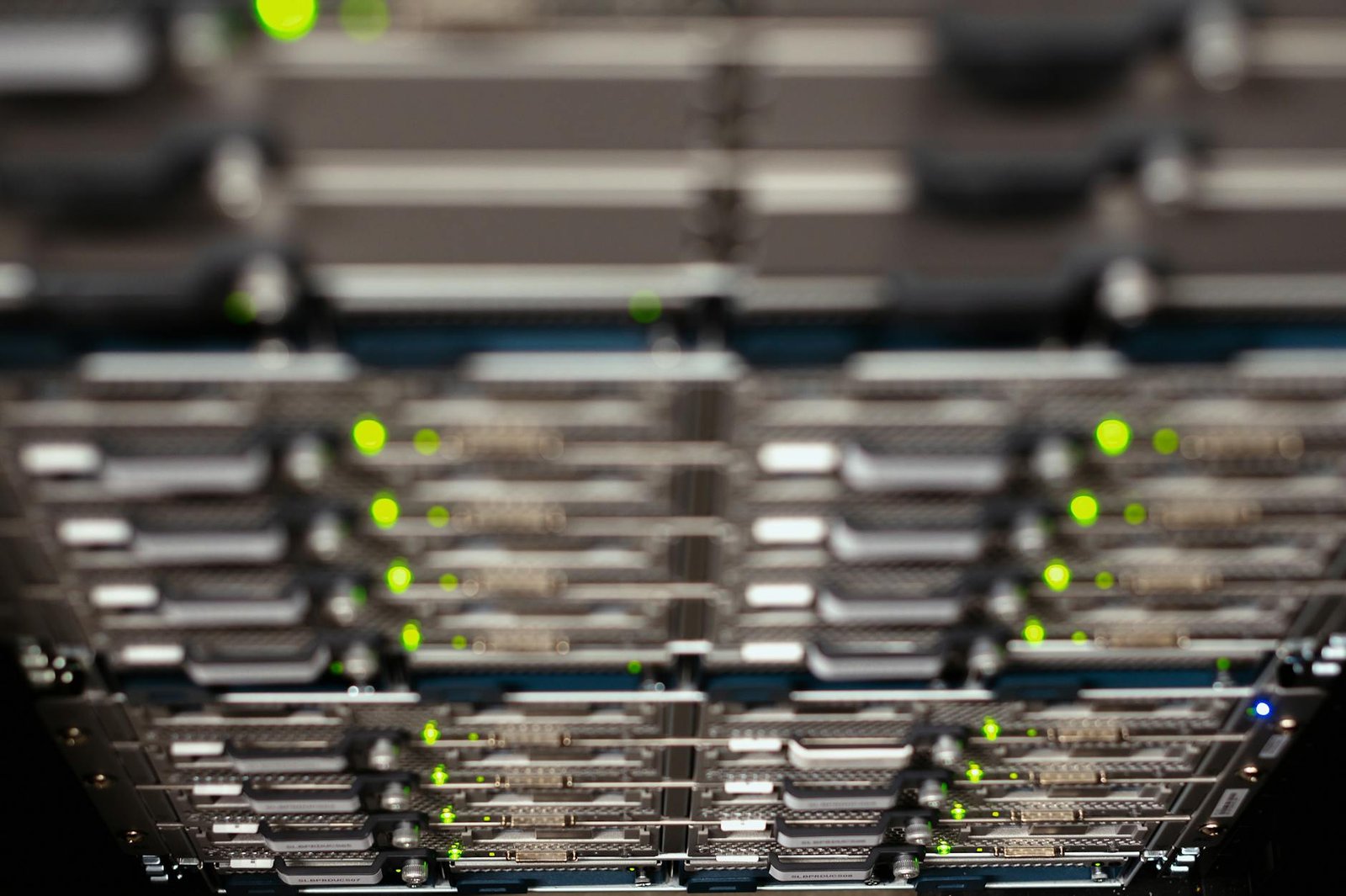
When I was setting up my own home lab for the first time, I genuinely thought you needed a dedicated server room, a full 42U rack, and a basement the size of a small warehouse. I crammed a tower PC onto a bookshelf, ran cables across the living room floor, and wondered why nobody ever talked about making this work in a real apartment. It wasn’t until I started experimenting with stacked, compact builds that everything clicked — and I realized the apartmentlab community had already figured out clever solutions I wish I’d known about from day one. If you’re starting from scratch in a small space, this guide is exactly what I needed back then, and I’m paying it forward now.
Key Takeaways
- An apartmentlab is a fully functional home lab built within the space and noise constraints of apartment living — no dedicated server room required.
- Compact NAS devices and mini PCs can replace full tower servers, cutting noise levels below 35 dB and power draw below 65W.
- Stacking and vertical mounting strategies let you run multiple servers and a NAS in as little as 2U of physical space.
- Choosing the right hardware from the start prevents the most common beginner mistake: buying oversized gear you can’t actually use.
- Self-hosting services like Plex, Home Assistant, and Nextcloud are completely achievable in an apartmentlab with the right compact hardware.
What Is an Apartmentlab?
An apartmentlab is a home lab setup specifically designed to fit within the physical, acoustic, and power constraints of an apartment. The core idea is simple: you get all the functionality of a traditional home lab — a NAS for storage, a server for running virtual machines or containers, and basic networking gear — without the noise, heat, or footprint that would make your landlord (or roommates) very unhappy. In a real home lab setup, this usually means choosing compact form-factor hardware, keeping power consumption under 100W total, and finding creative ways to stack or mount gear in a closet, on a shelf, or inside a small open-frame rack.
The home lab community on Reddit has been building apartmentlabs for years, and what’s become clear is that the challenge isn’t capability — it’s physical engineering. A stacked NAS and GPU server sitting on a shelf is, frankly, a little nerve-wracking the first time you set it up. But based on community experience, compact stacked builds are not only stable but often more efficient than sprawling tower setups because they force you to think carefully about airflow, cable management, and power budgets from the very beginning.
Key concepts you’ll encounter in this guide include: NAS (Network Attached Storage — a dedicated device for storing and serving files over your home network), self-hosting (running your own cloud services instead of relying on Google Drive or Dropbox), mini PC (a compact x86 computer that can run server workloads), and open-frame rack (a mounting system for stacking gear neatly without a full enclosed cabinet). For a deeper primer on home lab fundamentals, Wikipedia’s home server overview is a solid starting point.
Prerequisites Before You Start
Before you buy a single piece of hardware, run through this checklist. Skipping these steps is the number one reason beginners end up with an apartmentlab that’s too loud, too hot, or too expensive to run.
Know Your Space Constraints
Measure the shelf, closet, or corner where your gear will live. A typical 2U open-frame rack shelf is roughly 19 inches wide and 17 inches deep. If you’re stacking without a rack, measure the footprint of each device and add at least 1 inch of clearance on all sides for airflow.
Understand Your Power Budget
Apartments often have shared circuits. A compact apartmentlab should target a total draw of under 150W at idle to keep electricity costs reasonable. At the US average rate of $0.16 per kWh, a 100W system running 24/7 costs roughly $14 per month — very manageable.
Set a Noise Limit
Anything above 40 dB will be noticeable in a quiet apartment bedroom. Consumer NAS devices typically run between 19 and 28 dB. Avoid repurposed enterprise servers (like used Dell PowerEdge units) as your first apartmentlab hardware — they are notoriously loud at 55 dB or more under load.
Define Your Use Case
Are you running self-hosted services like Nextcloud or Home Assistant? Serving media with Plex or Jellyfin? Learning virtualization with Proxmox? Your use case determines how much RAM, storage, and compute you actually need.
Apartmentlab Setup: Step-by-Step Walkthrough
Step 1: Choose Your Core Hardware Roles
Every apartmentlab needs at least two logical components: a storage node (your NAS) and a compute node (your server or mini PC). These can be separate physical devices or combined into one, depending on your budget and use case. In a real home lab setup, separating them gives you more flexibility — you can upgrade one without touching the other.
Step 2: Select a Compact Form Factor
For the compute node, mini PCs (Intel NUC-style or similar) are ideal for apartmentlabs. They consume between 10W and 65W, generate minimal heat, and sit silently on a shelf. For the storage node, a 2-bay or 4-bay desktop NAS from Synology or QNAP is the standard starting point in the community.
Step 3: Plan Your Network
A basic managed switch (even an 8-port gigabit unit) lets you create VLANs to separate your lab traffic from your personal devices. Connect everything via ethernet — Wi-Fi introduces latency and instability that will frustrate you when transferring large files to your NAS.
Step 4: Stack and Mount Safely
If you’re stacking devices without a rack, use rubber feet or small risers between units to ensure airflow. What actually works in practice is a simple open-frame rack shelf or a sturdy wire shelving unit — both allow air to circulate freely and keep your stack stable. Never place a running NAS directly on carpet.
Step 5: Install Your Software Stack
Start simple. On your NAS, configure basic file shares and enable the manufacturer’s app store. On your compute node, install Proxmox VE or TrueNAS Scale if you want to experiment with virtualization. Add services one at a time so you can troubleshoot issues in isolation.
5 Best Products for Your Apartmentlab
1. Synology DS423+ 4-Bay NAS
Specs: Intel Celeron J4125 quad-core, 2GB DDR4 RAM (expandable to 6GB), 4 drive bays, 2x GbE ports, USB 3.2 Gen 1
Pros: Excellent DSM software ecosystem with hundreds of apps; extremely quiet at under 20 dB in sleep mode; low idle power draw of approximately 18W with no drives installed
Cons: RAM is soldered and limited on the base model, which can bottleneck heavier workloads
Best for: Beginners who want a polished, reliable NAS with minimal setup friction
Check price on Amazon
2. QNAP TS-464 4-Bay NAS
Specs: Intel Celeron N5105 quad-core, 8GB DDR4 RAM, 4 drive bays, 2x 2.5GbE ports, PCIe Gen 3 expansion slot
Pros: Ships with 8GB RAM which is genuinely useful for running containers; 2.5GbE networking out of the box is a meaningful upgrade over standard gigabit; PCIe slot allows future expansion with an SSD cache or 10GbE card
Cons: QNAP’s QTS interface has a steeper learning curve than Synology DSM for absolute beginners
Best for: Users who want more headroom for containers and future hardware upgrades
Check price on Amazon
3. Beelink EQ12 Mini PC
Specs: Intel N100 quad-core (up to 3.4GHz), 16GB DDR5 RAM, 500GB NVMe SSD, 2x 2.5GbE ports, dual HDMI
Pros: Exceptional performance-per-watt ratio — the N100 delivers real-world server performance at just 6W to 20W TDP; 16GB DDR5 RAM handles multiple Docker containers or lightweight VMs comfortably; extremely compact at 126mm x 113mm x 39mm
Cons: No ECC RAM support, which matters if you’re running a ZFS storage pool on this device
Best for: Compute node duties — running Proxmox, Docker, or Home Assistant in an apartmentlab
Check price on Amazon
4. TP-Link TL-SG108E 8-Port Managed Switch
Specs: 8x gigabit ports, VLAN support (802.1Q), QoS, IGMP snooping, fanless design, 5.5W max power
Pros: Completely silent fanless operation is essential for apartment environments; VLAN support lets you properly segment your lab network from personal devices; costs under $35, making it one of the best-value managed switches available
Cons: Web management interface feels dated and can be slow to respond
Best for: Beginners adding managed networking to their apartmentlab without breaking the budget
Check price on Amazon
5. Fractal Design Node 304 Mini-ITX Case
Specs: Mini-ITX form factor, supports up to 6x 3.5-inch HDDs, 2x 120mm front fans included, dimensions 250mm x 210mm x 374mm
Pros: Supports six full-size hard drives in a genuinely compact footprint — ideal for a DIY NAS build; included fans are quiet and effective; solid steel construction feels premium for the price
Cons: Cable management is tight inside the case and requires patience during initial build
Best for: DIY builders who want to repurpose existing hardware into a compact apartmentlab NAS or server
Check price on Amazon
Best Overall Pick: Synology DS423+ for Your Apartmentlab
If you’re building your first apartmentlab and you want one device that just works without a steep learning curve, the Synology DS423+ is the clear winner. Here’s exactly why it earns that recommendation over the competition.
First, the software. Synology’s DiskStation Manager (DSM) is genuinely the most beginner-friendly NAS operating system available. You get a full app ecosystem — Plex media server, Synology Photos, Drive (a Dropbox replacement), and Surveillance Station — all installable with a single click. Based on community experience, new users are fully operational within an afternoon.
Second, the noise profile. At under 20 dB in HDD hibernation mode, the DS423+ is virtually inaudible in an apartment bedroom. This is not a minor point — it’s the difference between a lab you actually run 24/7 and one you shut off because it keeps you awake.
Third, reliability. Synology has a track record in the home lab community that QNAP and DIY builds simply can’t match for out-of-the-box stability. For a first apartmentlab, reducing variables is more valuable than maximizing specs. You can always add a mini PC compute node later once you’ve got your storage foundation solid. For a deeper look at Synology’s full product lineup, Synology’s official home NAS page is worth bookmarking.
Full Product Comparison Table
| Product | Form Factor | RAM | Drive Bays / Storage | Network | Idle Power | Noise Level | Best For |
|---|---|---|---|---|---|---|---|
| Synology DS423+ | Desktop NAS | 2GB (up to 6GB) | 4 bays | 2x GbE | ~18W | <20 dB | Beginners, file storage |
| QNAP TS-464 | Desktop NAS | 8GB DDR4 | 4 bays | 2x 2.5GbE | ~22W | <25 dB | Containers, power users |
| Beelink EQ12 | Mini PC | 16GB DDR5 | 1x NVMe SSD | 2x 2.5GbE | ~10W | <25 dB | Compute node, Docker, VMs |
| TP-Link TL-SG108E | 8-Port Switch | N/A | N/A | 8x GbE | 5.5W max | 0 dB (fanless) | Network segmentation |
| Fractal Node 304 | Mini-ITX Case | Depends on build | Up to 6x 3.5″ | Depends on build | Depends on build | Depends on fans | DIY NAS / server builds |
Common Mistakes Beginners Make with an Apartmentlab
Buying Enterprise Hardware First
Used Dell or HP rack servers are tempting because they’re cheap and powerful. What actually works in practice is avoiding them entirely for your first apartmentlab. A used PowerEdge 1U server can hit 55 dB to 65 dB under load — that’s louder than a normal conversation and completely unacceptable in an apartment setting.
Ignoring Airflow When Stacking
Stacking a NAS directly on top of a mini PC with no gap between them traps heat. Both devices exhaust warm air upward, and the device on top will throttle under sustained load. Always use risers or a proper shelf with open sides.
Starting With Too Many Services
Installing Plex, Nextcloud, Home Assistant, Pi-hole, and Grafana on day one is a recipe for confusion. Start with one service, understand how it works, then add the next. Check out our guide on getting started with Docker for home labs for a structured approach.
Skipping a UPS
A sudden power cut can corrupt a ZFS or Btrfs storage pool. A basic UPS (Uninterruptible Power Supply) costing around $50 to $80 protects your hardware and gives your NAS time to shut down cleanly. This is one of the most overlooked pieces of gear in first-time apartmentlab builds.
Frequently Asked Questions
What is the best NAS for an apartmentlab?
The Synology DS423+ is the best NAS for most apartmentlab beginners. It combines a polished software ecosystem, very low noise levels under 20 dB, and reliable performance at around 18W idle power draw, making it ideal for apartment environments where noise and power consumption matter.
How do I keep my apartmentlab quiet enough for bedroom use?
Choose fanless networking gear like the TP-Link TL-SG108E, select a NAS rated under 25 dB, and avoid enterprise rack servers entirely. Mini PCs like the Beelink EQ12 are nearly silent under typical home lab workloads. Enabling HDD hibernation on your NAS also dramatically reduces noise during idle periods.
Do I need a full rack for an apartmentlab?
No. Most apartmentlabs run perfectly well on a sturdy wire shelf or a small open-frame rack shelf. A full enclosed rack cabinet is unnecessary for 2 to 4 devices and actually reduces airflow in a small space. Many successful apartmentlabs run entirely on a single open shelving unit.
How much does it cost to run an apartmentlab?
A compact apartmentlab drawing 100W continuously costs approximately $14 per month at the US average electricity rate of $0.16 per kWh. Optimizing your hardware choices can bring this closer to $7 to $10 per month for a basic two-device setup.
Ready to Build Your Apartmentlab?
Building a capable home lab in an apartment is absolutely achievable — and the apartmentlab community proves it every day with creative, compact builds that run NAS devices, container hosts, and full self-hosting stacks in the space of a single shelf. The key is starting with the right hardware, keeping noise and power in mind from day one, and resisting the urge to do everything at once.
Start with a quiet NAS, add a compact compute node when you’re ready, and build your software stack one service at a time. What actually works in practice is always simpler than the most ambitious Reddit build you’ve ever seen — and a modest, stable apartmentlab you actually use is worth infinitely more than an impressive spec sheet gathering dust.
Have you already got an apartmentlab running, or are you just getting started? Drop your setup details or questions in the comments below — the community loves seeing how people solve the space problem in creative ways, and your experience might be exactly what another beginner needs to hear.