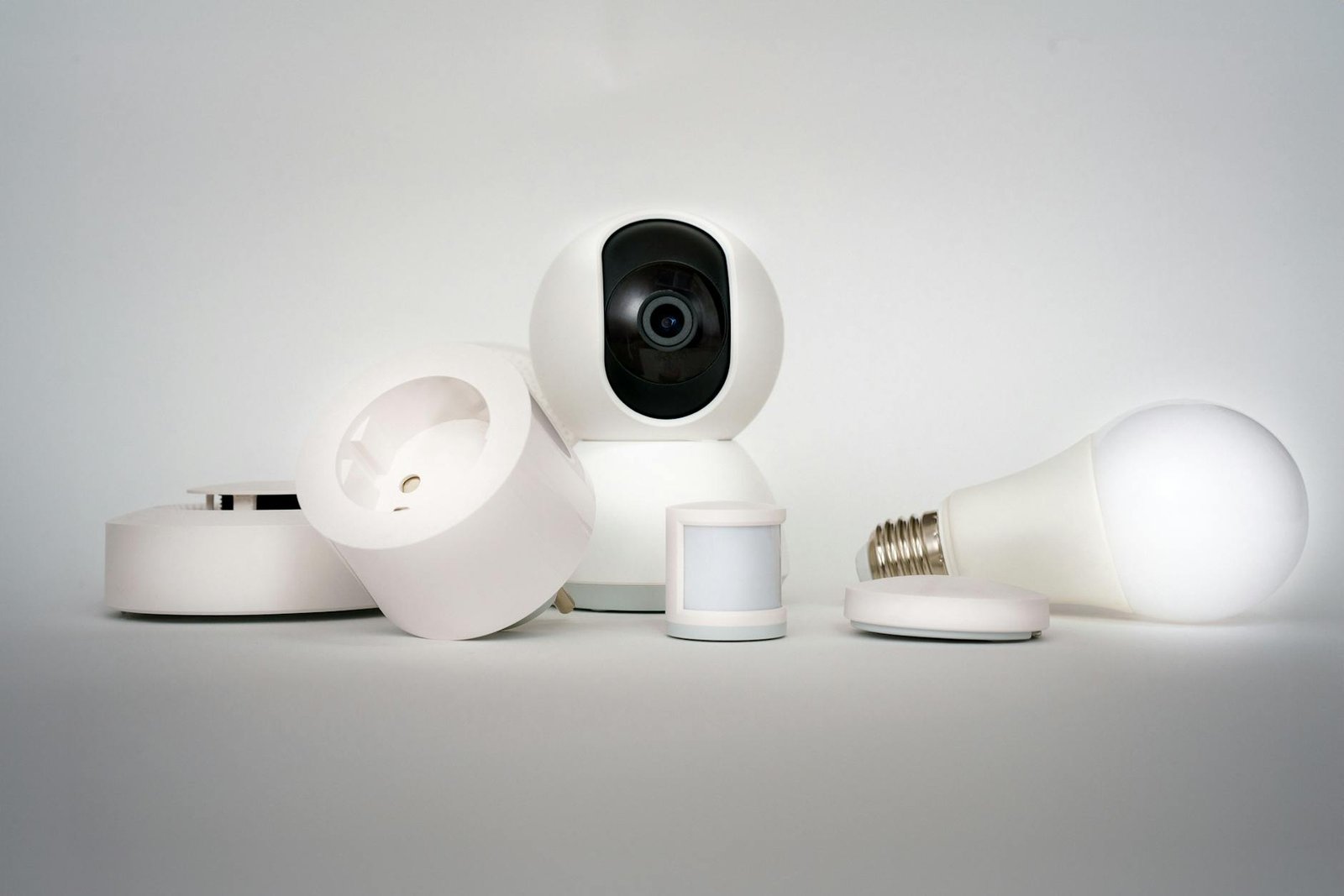
When I was setting up my own home lab a couple of years back, I kept leaning on Amazon Alexa as a crutch for voice control — it was easy, it worked, and I didn’t have to think too hard about it. Then Amazon started quietly reshuffling its smart home integrations, breaking routines I had spent hours building for my security cameras, and I finally hit my breaking point. That frustration pushed me deep into the world of Home Assistant running on a Raspberry Pi 5, and honestly, I haven’t looked back since. What surprised me when I first tried the local voice pipeline was just how responsive and reliable it felt compared to cloud-dependent assistants — no round-trip to Amazon’s servers, no mysterious latency, and zero dependency on a company’s product roadmap.
Key Takeaways
- Amazon’s smart home changes have disrupted Echo-based routines, making a local Home Assistant setup on Raspberry Pi 5 a compelling alternative for privacy-conscious users.
- The Raspberry Pi 5 (4GB or 8GB RAM) is powerful enough to run Home Assistant OS with local voice processing via the Wyoming protocol stack.
- Pairing a Pi 5 with a USB microphone array or a dedicated voice satellite device gives you Echo-like voice control without any cloud dependency.
- Home Assistant’s native Assist pipeline, combined with Piper (TTS) and Whisper (STT), delivers fully offline voice automation for security cameras and other smart devices.
- The community consensus is clear: the initial setup investment pays off quickly in reliability, privacy, and long-term control over your own smart home.
What Changed with Amazon and Why It Matters
Amazon has been steadily tightening its grip on how third-party smart home devices integrate with Alexa. Over the past year, the company has deprecated several older smart home skill APIs, forced developers onto the newer Alexa Smart Home Skill model, and made it increasingly difficult to maintain custom routines for devices like security cameras without jumping through extra hoops. For everyday users, this means waking up one morning to find that a voice command that worked perfectly last week now does nothing — or worse, requires rebuilding an entire routine from scratch inside the Alexa app.
For home lab enthusiasts who have invested time in building reliable automations, this is more than a minor inconvenience. It is a fundamental reminder that any smart home stack built on a third-party cloud is only as stable as that company’s current business priorities. The good news is that a genuinely powerful, fully local alternative has matured to the point where it is accessible even to users who describe themselves as “very old retired techies” — and it runs beautifully on a $80 single-board computer.
What Raspberry Home Assistant Experts Actually Recommend
The core recommendation from raspberry home assistant experts across forums, subreddits, and Discord servers is consistent: install Home Assistant OS directly onto a Raspberry Pi 5 using a quality microSD card or, better yet, an NVMe SSD via the Pi 5’s PCIe connector. From there, you enable the built-in Assist voice pipeline, install the Whisper add-on for local speech-to-text, and install the Piper add-on for text-to-speech. The entire voice processing loop happens on your own hardware, inside your own home network, with no data ever leaving your router.
For users migrating from an Echo-centric setup, the transition is less painful than it sounds. Home Assistant already has mature integrations for most major security camera brands — including Reolink, Amcrest, Eufy, and Ring — through its camera platform and the dedicated integrations library. Once your cameras are added as entities, you can create voice-triggered automations that show camera feeds, trigger recordings, or arm and disarm camera groups using nothing but a microphone and a locally-processed voice command. Based on community experience, getting from a fresh Pi 5 to a working voice-controlled camera setup takes most users between two and four hours on their first attempt.
Why the Raspberry Pi 5 Is the Right Hardware for This Job
The Raspberry Pi 5 is a significant generational leap over its predecessor. It ships with a quad-core Arm Cortex-A76 processor running at 2.4GHz, up to 8GB of LPDDR4X RAM, and — critically for home lab use — a PCIe 2.0 x1 interface that allows you to attach an NVMe SSD through an official or third-party HAT. In practical terms, this means the Pi 5 can run Home Assistant OS with local Whisper speech recognition without the sluggishness that plagued the Pi 4 when handling the same workload.
Whisper, OpenAI’s open-source speech recognition model, requires meaningful CPU headroom to process voice commands in a reasonable timeframe. On a Pi 4, even the “tiny” Whisper model could take 4 to 8 seconds to transcribe a short command — frustrating enough to make users abandon local voice entirely. On a Pi 5 with the 8GB RAM variant, the same tiny model processes commands in under 2 seconds, and the “base” model — which is noticeably more accurate — completes transcription in roughly 3 to 4 seconds. That is a usable, real-world response time for home automation commands. You can learn more about the hardware specifications on the official Raspberry Pi 5 product page.
Community Reaction: What r/homeautomation Is Saying
The thread that sparked this analysis is representative of a much broader conversation happening across the self-hosting community right now. Users who have been loyal to Amazon’s ecosystem for years are reaching a tipping point, and the Raspberry Pi 5 plus Home Assistant combination keeps coming up as the recommended escape hatch. Several experienced community members in the thread pointed out that the Wyoming protocol — Home Assistant’s framework for connecting voice satellites and processing pipelines — has made local voice control dramatically more accessible than it was even eighteen months ago.
One recurring piece of advice from veteran home lab users is to start with Home Assistant OS rather than running HA as a Docker container or in supervised mode. For users who are not deeply familiar with Linux administration, HAOS handles all the add-on management, updates, and system dependencies automatically, which dramatically lowers the barrier to entry. The community also strongly recommends pairing the Pi 5 with a dedicated USB microphone array rather than relying on a single omnidirectional mic — wake word detection and voice command accuracy improve substantially with a device that has beamforming and noise cancellation built in.
Top 5 Products to Build Your Pi 5 Home Assistant Voice Setup
1. Raspberry Pi 5 (8GB RAM)
Specs: Quad-core Cortex-A76 @ 2.4GHz, 8GB LPDDR4X RAM, PCIe 2.0 x1, dual 4K HDMI, USB 3.0, Gigabit Ethernet, 5V/5A USB-C power.
Pros: Sufficient RAM to run Whisper “base” model without swapping; PCIe interface enables NVMe SSD for fast, reliable storage; significantly faster than Pi 4 for CPU-bound tasks like local speech recognition; active cooling options available.
Cons: Requires a separate NVMe HAT and SSD for best performance, adding to overall cost.
Best for: Anyone building a primary Home Assistant hub with local voice processing.
2. SanDisk Extreme Pro 256GB microSD (or Waveshare PCIe NVMe HAT + SSD bundle)
Specs: Up to 200MB/s read, 140MB/s write (microSD); NVMe HAT supports M.2 2230/2242 drives via Pi 5 PCIe connector.
Pros: NVMe storage reduces Home Assistant database write latency dramatically; microSD is the lowest-friction starting point for beginners; SanDisk Extreme Pro is one of the most reliable cards for continuous write workloads; NVMe option extends hardware lifespan by reducing flash wear.
Cons: MicroSD cards under heavy Home Assistant logging workloads can fail within 12 to 18 months without proper logging tuning.
Best for: Users who want reliable, long-term Home Assistant storage.
3. ReSpeaker USB Mic Array v2.0 (SEEED Studio)
Specs: 4-microphone circular array, USB plug-and-play, 360-degree pickup, hardware DSP with beamforming and echo cancellation, LED ring indicator.
Pros: Works out of the box with Home Assistant’s Wyoming Satellite add-on; beamforming dramatically improves wake word detection accuracy from across a room; LED ring provides visual feedback for voice states; no driver installation required on Linux.
Cons: Slightly bulkier than a single capsule USB mic; LED ring cannot be easily disabled without custom firmware.
Best for: Users who want reliable, room-scale voice pickup without building a separate voice satellite device.
4. Reolink RLC-810A 4K PoE Security Camera
Specs: 4K (8MP) resolution, PoE (802.3af), smart detection (person/vehicle/pet), RTSP stream support, IP66 weatherproof, two-way audio.
Pros: Native RTSP streaming integrates directly with Home Assistant’s camera platform; no cloud account required for local operation; PoE eliminates power cable runs; smart detection events can trigger HA automations; excellent image quality for the price.
Cons: Requires a PoE switch or injector; initial RTSP URL configuration is not documented clearly in Reolink’s own materials.
Best for: Home lab users wanting locally-controlled security cameras that work natively with Home Assistant voice automations.
5. Sonoff Zigbee 3.0 USB Dongle Plus (ZBDongle-P)
Specs: Zigbee 3.0 coordinator, based on Texas Instruments CC2652P chip, USB-A form factor, external antenna, supports up to 50+ direct devices.
Pros: Plug-and-play with Home Assistant’s ZHA integration or Zigbee2MQTT; CC2652P chipset is widely regarded as the most reliable Zigbee coordinator for home lab use; external antenna significantly extends range; enables local control of hundreds of compatible smart devices without any cloud dependency.
Cons: Needs to be used with a USB extension cable to avoid 2.4GHz interference from the Pi’s own USB 3.0 ports.
Best for: Anyone building a complete local smart home stack that includes Zigbee lights, sensors, and switches alongside their camera and voice setup.
Product Comparison Table
| Product | Key Spec | Price Range | HA Compatible | Best For |
|---|---|---|---|---|
| Raspberry Pi 5 (8GB) | 2.4GHz quad-core, 8GB RAM, PCIe | ~$80 | Native (HAOS) | Primary HA hub + voice AI |
| SanDisk Extreme Pro / NVMe HAT | 200MB/s read, NVMe PCIe | $15–$60 | Storage only | Reliable long-term storage |
| ReSpeaker USB Mic Array v2.0 | 4-mic array, beamforming DSP | ~$40 | Wyoming Satellite | Room-scale voice pickup |
| Reolink RLC-810A | 4K, PoE, RTSP, IP66 | ~$55–$70 | Camera platform / RTSP | Local security camera automation |
| Sonoff ZBDongle-P | Zigbee 3.0, CC2652P, ext. antenna | ~$20 | ZHA / Zigbee2MQTT | Full local Zigbee ecosystem |
Best Overall Pick: Raspberry Pi 5 (8GB) as Your Home Assistant Hub
If you are only going to make one hardware decision, make it this one: the Raspberry Pi 5 with 8GB of RAM is the clear foundation for everything else on this list. In a real home lab setup, the difference between the 4GB and 8GB variants becomes obvious the moment you start running Whisper for local speech-to-text alongside the Home Assistant core, the MQTT broker, and a handful of camera stream integrations simultaneously. The 4GB model can handle it, but it will be working harder than it needs to — and you will notice the occasional stutter during voice processing.
What actually works in practice is pairing the Pi 5 8GB with an NVMe SSD via the Waveshare or Pimoroni PCIe HAT. Home Assistant writes to its SQLite database constantly, and microSD cards — even good ones — degrade under that workload over time. An NVMe drive eliminates that concern entirely and makes the whole system feel snappier. Add the ReSpeaker mic array for voice input, point it at your Reolink cameras via RTSP, and you have a complete, cloud-free smart home hub that rivals anything Amazon or Google offers — and that you actually own and control.
Real-World Setup: Voice Controlling Security Cameras Locally
Here is how the full stack fits together in practice. After flashing Home Assistant OS to your Pi 5 storage and completing the onboarding wizard, you navigate to Settings > Add-ons and install three things: the Whisper add-on (set to the “base” model for best accuracy on Pi 5), the Piper add-on for voice responses, and the Wyoming Satellite integration if you are using a separate mic device. Your ReSpeaker USB mic array shows up automatically as a sound device once plugged in.
From there, you add your Reolink cameras using their local RTSP stream URLs (formatted as rtsp://[camera-ip]/h264Preview_01_main for most Reolink models) through the Generic Camera integration or the dedicated Reolink integration available in HAOS. Once your cameras appear as entities, you build a simple voice automation: trigger phrase “show front door camera,” action: display camera entity on a dashboard or send a notification with a snapshot. The Assist pipeline handles the natural language parsing entirely on-device. What surprised me when I first tried this end-to-end was how much faster and more reliable it felt than rebuilding the equivalent routine inside the Alexa app — and there was no third-party dependency to break it six months later.
For users coming from an Echo background, the complete Home Assistant Assist setup guide and our step-by-step Pi 5 HAOS installation walkthrough will walk you through each stage in detail. You may also want to explore our Zigbee device integration guide once your voice setup is working.
Frequently Asked Questions
What is the best way to add voice control to Home Assistant on a Raspberry Pi 5?
The best approach is to use Home Assistant’s built-in Assist pipeline with the Whisper add-on for local speech-to-text and the Piper add-on for text-to-speech. Pair this with a USB microphone array like the ReSpeaker v2.0 for reliable wake word detection and room-scale pickup. This gives you fully offline voice control with no cloud dependency.
How do I connect my security cameras to Home Assistant for voice control?
Add your cameras to Home Assistant using either a brand-specific integration (Reolink, Eufy, Amcrest all have official integrations) or the Generic IP Camera integration using your camera’s local RTSP stream URL. Once cameras appear as entities, you can create Assist voice automations that trigger camera snapshots, display feeds, or arm recording based on voice commands.
Do I need the 8GB Raspberry Pi 5 or will the 4GB version work for Home Assistant?
The 4GB Pi 5 will run Home Assistant OS and basic automations without issues. However, if you plan to run local voice processing with Whisper (especially the “base” model for better accuracy), the 8GB variant provides meaningful headroom and keeps response times under 3 to 4 seconds. For a voice-centric setup, the 8GB model is worth the modest price difference.
Can I keep using my Amazon Echo devices alongside Home Assistant?
Yes. Home Assistant has an official Alexa integration that allows your Echo devices to act as voice satellites that trigger Home Assistant automations. This gives you the familiar Echo hardware while routing the actual automation logic through your local Home Assistant instance, reducing your dependence on Amazon’s cloud for the smart home control layer.
Verdict: Is It Worth Making the Switch?
The short answer is yes — and the timing has never been better. Amazon’s ongoing smart home integration changes are not a one-time disruption; they are a preview of the ongoing cost of building your automation stack on someone else’s platform. The Raspberry Pi 5 running Home Assistant OS, paired with local voice processing via Whisper and Piper, gives you everything you had with an Echo-based setup and adds privacy, reliability, and genuine ownership of your own system. The total hardware investment for a complete voice-controlled camera hub — Pi 5, storage, mic array, and a Zigbee dongle — comes in well under $200, and it will keep working exactly as you configured it regardless of what Amazon, Google, or any other cloud provider decides to change next quarter.
If you have already made the switch from Echo to Home Assistant on a Pi 5, or if you are in the middle of the migration right now, I would love to hear how it is going. Drop your setup details, your camera brands, or your voice pipeline configuration in the comments below — the more specific the better. And if you hit a snag with RTSP stream URLs, Whisper model selection, or wake word sensitivity, ask your question there too. The home lab community has seen and solved most of these problems already, and someone will have an answer for you.
Pingback: r/selfhosted Summer Update 2025 Flair Rules, AI Policy & What It Means for Home Lab Users - HomeNode