
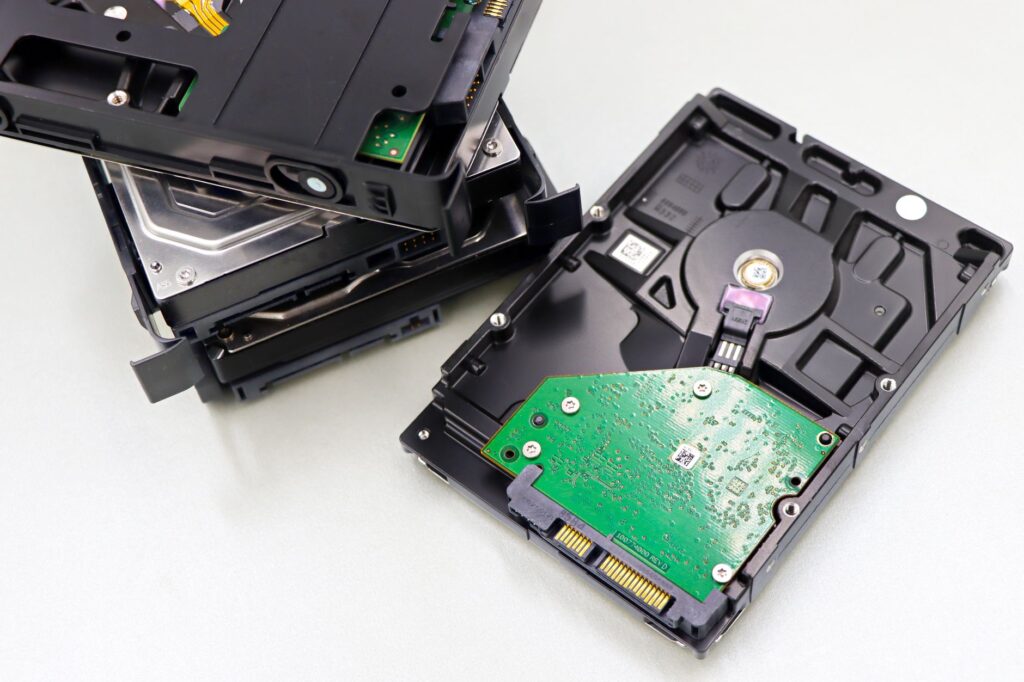
Entry 2-bay NAS market: Synology DS224+, QNAP TS-233, and UGREEN DXP2800 compared.
Two-bay NAS is the standard entry NAS for households and small home labs. This factual comparison covers three mainstream 2-bay options at accessible pricing.
In this guide (jump ahead)
Disclosure: affiliate links below. As an Amazon Associate, HomeNode earns from qualifying purchases at no additional cost to you. Recommendations reflect editorial synthesis of manufacturer specifications and public product information; check current pricing and reviews on Amazon before purchase.
The competitors in this comparison
- Synology DS224+ — Synology DSM 7 2-bay with Intel Celeron J4125.
- QNAP TS-233 — QNAP entry 2-bay with ARM processor.
- UGREEN NASync DXP2800 — UGREEN entry 2-bay with Intel N100 processor.
Fastest way to pick by use case
- Best mainstream Synology ecosystem: Synology DS224+. DSM 7, mature app ecosystem, standard 2-bay pick.
- Best budget 2-bay: QNAP TS-233. Cheapest QNAP 2-bay with QTS.
- Best value 2-bay with x86: UGREEN NASync DXP2800. Intel N100 x86 processor at budget price.
Synology DS224+
Synology 2-bay running DSM 7 with the mainstream Synology app ecosystem.
See also: Best Father’s Day Tech Gifts $100-$250 in 2026: The Premium Tier
Key specifications:
- Bays: 2 (3.5-inch SATA)
- CPU: Intel Celeron J4125
- RAM: 2GB (upgradable to 6GB)
- Network: 2x 1GbE
- Warranty: 2 years
Fits this use case: Household NAS, mainstream Synology ecosystem, first-time NAS buyer.
Check current price and reviews on Amazon →
QNAP TS-233
QNAP entry 2-bay with QTS OS at budget pricing.
See also: Best 8-Bay NAS 2026: Synology DS1823+ vs QNAP TS-873A vs TrueNAS Mini X+ Compared
Key specifications:
- Bays: 2 (3.5-inch SATA)
- CPU: ARM (ARMv8 Cortex-A55)
- RAM: 2GB
- Network: 1x 1GbE
- Warranty: 2 years
Fits this use case: Cheapest QNAP entry, basic file sharing and backup, secondary NAS.
Check current price and reviews on Amazon →
UGREEN NASync DXP2800
UGREEN entry 2-bay with Intel N100 x86 processor at competitive pricing.
See also: Best USB-C Hub Under $50 2026: Anker 341 vs UGREEN 6-in-1 vs Sabrent 8-in-1
Key specifications:
- Bays: 2 (3.5-inch SATA)
- CPU: Intel N100 (x86)
- RAM: 8GB DDR5
- Network: 2.5GbE
- Warranty: 2 years
Fits this use case: Value-focused first NAS, users wanting x86 for Plex hardware transcoding, 2.5GbE.
Check current price and reviews on Amazon →
Head-to-head specification comparison
| Specification | Synology DS224+ | QNAP TS-233 | UGREEN DXP2800 |
|---|---|---|---|
| CPU | Intel Celeron J4125 | ARM Cortex-A55 | Intel N100 x86 |
| RAM (standard) | 2GB | 2GB | 8GB DDR5 |
| Networking | 2x 1GbE | 1x 1GbE | 2.5GbE |
| Plex hardware transcoding | Yes | No | Yes |
| Price tier | High-end | Budget | Mid-range |
Which fits your use case
- Mainstream Synology ecosystem: Synology DS224+. DSM 7 ecosystem, mature apps.
- Cheapest 2-bay for basic file sharing: QNAP TS-233. Lowest price entry NAS.
- Best value with Plex transcoding: UGREEN NASync DXP2800. Intel N100 with 8GB DDR5 at competitive price.
Final note
All products have strong owner communities and active manufacturer support. Prices change frequently; check Amazon for current information.
Related HomeNode guides
- Best 8-Bay NAS 2026: Synology DS1823+ vs QNAP TS-873A vs TrueNAS Mini X+ Compared
- Best NAS RAM Upgrade 2026: Synology, QNAP, TrueNAS, and UGREEN Compatible Kits
- Best 4-Bay NAS Enclosure 2026: Synology DS923+, QNAP TS-464, UGREEN DXP4800, and Terramaster F4-424 Ranked
- Best 4-Bay NAS Under $300 in 2026: UGREEN, Terramaster, and Asustor Picks
Frequently asked questions
How were these products selected?
This guide is a research-based synthesis of product specs, brand reputation, current Amazon reviews, and category trends. It is not a hands-on review – use it to narrow options before you buy.
What price range should I expect?
Prices vary significantly across the categories above. Entry options start at the lower end of each tier listed, while premium picks can be several times more. Amazon pricing changes frequently, so confirm current numbers on the product listings.
Should I always buy the most expensive option?
Not necessarily. Premium products offer better materials, longer warranties, and higher-end features, but mid-tier picks meet the needs of most buyers. Match the pick to your actual use case rather than defaulting to the top of the price range.
How often is this guide updated?
This guide is refreshed as new products launch and older picks are discontinued. Amazon pricing and stock change daily – always confirm current price and availability on Amazon before purchase.
Where is the best place to buy?
Amazon is linked throughout this guide because it typically has broad selection, current pricing, and standardized return policies. Direct manufacturer sites and specialty retailers are also options depending on category and preference.
Shop the Amazon Storefront
Every mini PC, NAS, and networking pick from HomeNode – curated for home lab builders in one Amazon Storefront.
Try Amazon Prime free for 30 days – fast shipping on home lab gear plus Prime Video streaming
As an Amazon Associate and Amazon Influencer, we earn from qualifying purchases at no extra cost to you.