
AI-narrated version of this post using a synthetic voice. Great for accessibility or listening while busy.
Affiliate disclosure: As an Amazon Associate, HomeNode earns from qualifying purchases at no additional cost to you. Product availability subject to change. We bought this adapter ourselves at the normal retail price; TRENDnet had no involvement in this article. See also: Best 10 Gigabit Ethernet Upgrade Kit (2026).
Most laptops sold in the last few years have no Ethernet jack at all, which becomes a problem the moment you want to move a large file to a NAS, test a new network card, or get a steady connection for a home-lab box that lives on the other side of a Cat 6 run. The TRENDnet TUC-ET2G is a USB-C 2.5GBASE-T adapter built for exactly that gap. We bought one for a specific job: our test laptop needed a 2.5 gigabit port so it could sit at the far end of a cable while we tested a 2.5GbE PCIe card in a desktop. Here is how it went.
What is in the box
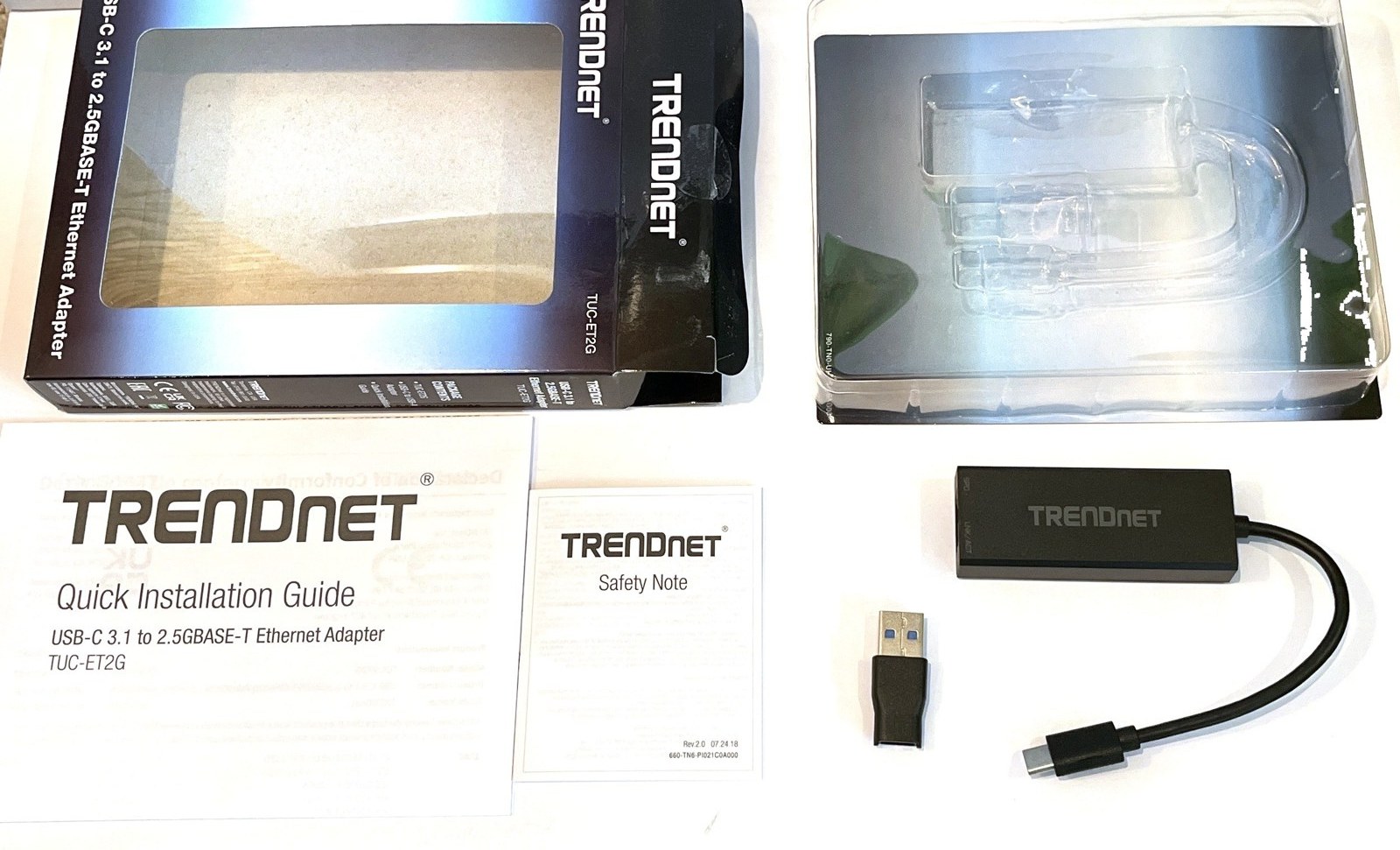
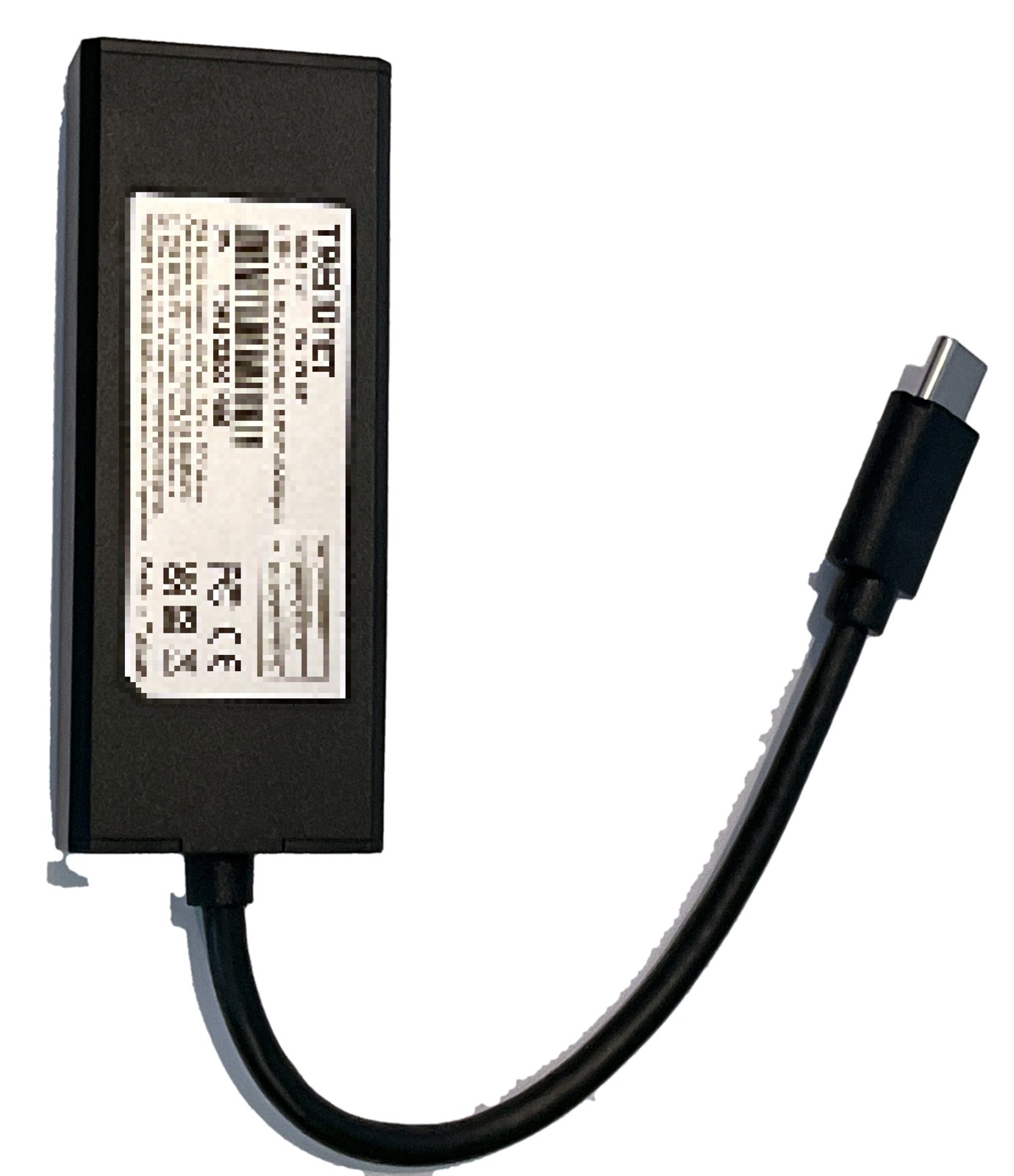
- The adapter itself, a compact black unit with a short integrated USB-C cable (TRENDnet quotes 12.5 cm, about 4.9 inches).
- A USB-C to USB-A converter, so the same adapter works on a computer that only has the older rectangular USB ports.
- A quick installation guide and a safety note.
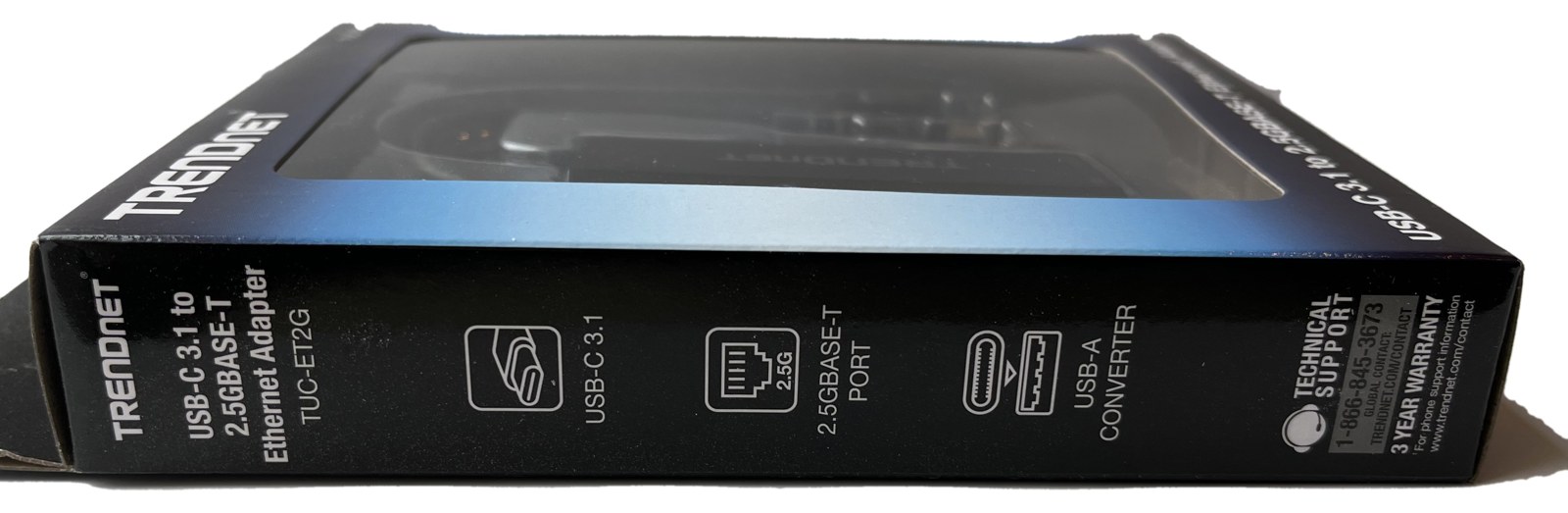
The box lists USB-C 3.1, a 2.5GBASE-T port, the included USB-A converter and a three-year warranty. Our unit is hardware revision V2.0R and is marked as made in Taiwan. There is no driver disc, and as it turned out we did not need one.
Setup on Windows 11: plug it in, done
We plugged the adapter into the USB-C port of an HP laptop running Windows 11. It appeared in Device Manager within a few seconds as “TRENDnet USB 2.5G Adapter”, with no warning icon and no prompt to install anything. The driver it picked up is a Microsoft-signed driver that ships inside Windows 11 itself (version 11.4.211.2022 on our machine), so there was nothing to download and no vendor utility to run. That matters for anyone setting up a locked-down work laptop or a machine that is not online yet.
With a Cat 6 patch cable connected directly to a 2.5GbE card in a desktop, Windows reported the link at 2.5 Gbps straight away. No settings were changed on either end.
On the bench: holding up its end of a 2.5GbE link
The adapter’s job in our setup was to receive. The desktop on the other end of the cable ran an iperf3 server on Debian 13, and the laptop pulled data through the TRENDnet adapter. In ten-second runs it carried 2.15 Gbit/s on a single TCP stream and 2.26 Gbit/s with four parallel streams into the laptop, and the per-second rate stayed within a narrow band the whole time rather than spiking and dropping. For a USB adapter that is about as much as a 2.5 gigabit link delivers once protocol overhead is taken off the top.
It also stayed up across several hours of plugging, unplugging and address changes on the far end without ever needing to be reseated, which is the behaviour you want from something that lives in a laptop bag.
Things worth knowing before you buy
- The cable is short on purpose. The adapter sits a few centimetres from the port. If your laptop lives on a stand with ports at the back, allow for that.
- USB-A is covered by the converter. We used the USB-C end for our testing; the converter is there for older machines and desktops.
- You need 2.5GbE on the other end to see 2.5 Gbit/s. Plugged into an ordinary gigabit switch or router it will negotiate down to 1 Gbps, which is still a big step up from Wi-Fi for file transfers.
- Cat 5e or better. 2.5GBASE-T runs over existing Cat 5e and Cat 6 cabling. We used a Cat 6 patch cord.
- Platforms. TRENDnet lists Windows and Mac compatibility. We tested Windows 11 only.
Who it is for
Anyone with a USB-C laptop and a 2.5GbE switch, NAS or home server who wants wired speed without opening anything up. It is also a sensible spare to keep in a home-lab toolkit, because a known-good 2.5GbE port on a laptop is the quickest way to check whether a cable run, a switch port or a new network card is actually linking at full speed.
Frequently asked questions
Does the TRENDnet TUC-ET2G need a driver on Windows 11?
Not in our experience. Windows 11 recognised it as “TRENDnet USB 2.5G Adapter” and used a Microsoft-signed driver that was already on the system. We did not download or install anything.
Will it work on a laptop that only has USB-A ports?
A USB-C to USB-A converter is included in the box for that purpose. We used the USB-C connection for our testing.
Do I need a 2.5GbE switch to use it?
No. It will connect to any gigabit or 100 megabit port, but it only reaches 2.5 Gbit/s when the device on the other end of the cable also supports 2.5GBASE-T.
What cable should I use?
Cat 5e or better. We used an ordinary Cat 6 patch cable and linked at 2.5 Gbps.